NewSeedance 2.0 Mini is here: create flexible 4-15s AI videos in 480p or 720p.
Upgrade now
Logo
4.9/5 Studio quality Up to 4K Updated 2026

Independent gpt-image-2 workflow workspace

AI Image 2 - Build gpt-image-2 workflows in AI Major

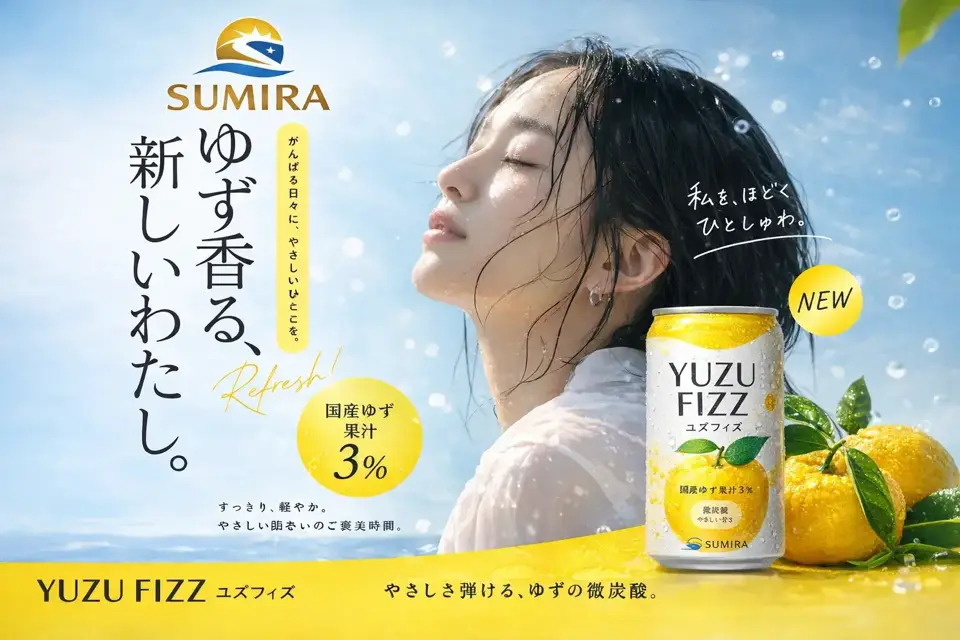
Stop re-rolling and start refining. AI Image 2 generates crisp 2K images quickly, with optional 4K upscaling when you need print-ready detail. It keeps text, typography, and signage readable, so logos, posters, and branded visuals take fewer cleanup passes.

Learn more

Start with a high-intent template

Model

The workflows that make AI Image 2 stand out

From cleaner text rendering to reference-aware edits, these are the capabilities that make AI Image 2 feel more useful than a one-shot image generator.

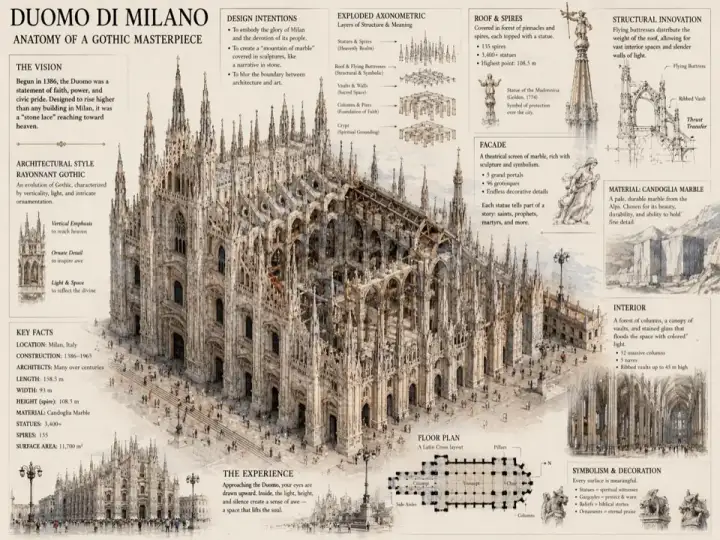
Create perfect images, faster

Create perfect images, faster

Stop re-rolling and start refining. AI Image 2 generates crisp 2K images quickly, with optional 4K upscaling when you need print-ready detail. It keeps text, typography, and signage readable, so logos, posters, and branded visuals take fewer cleanup passes.

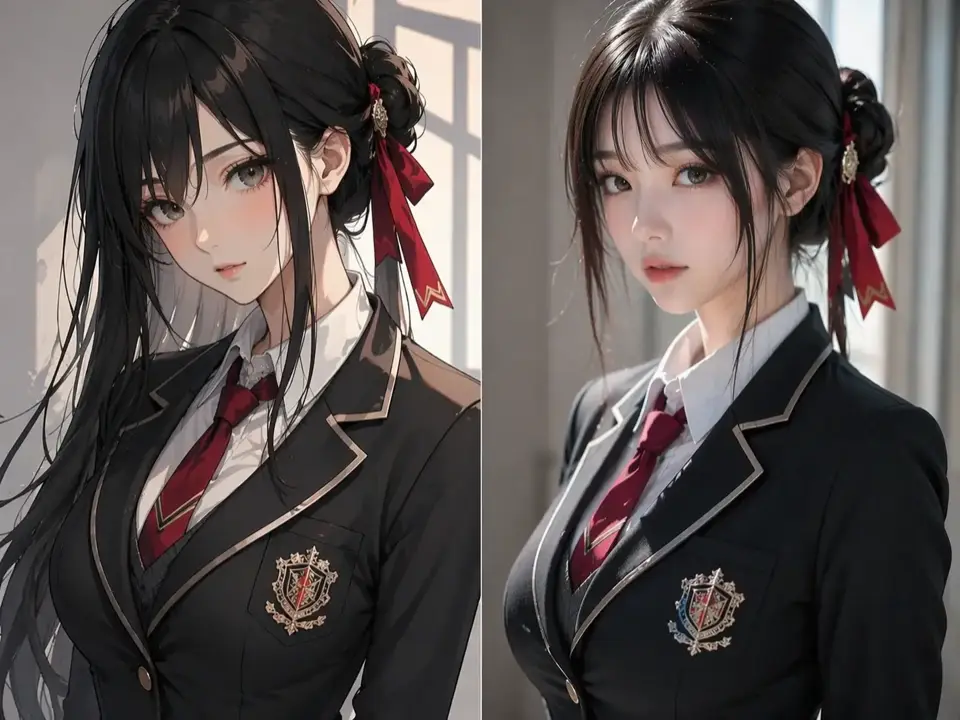
Build consistent, lifelike characters

Build consistent, lifelike characters

Anchor a face, product, or object with a reference photo. As you change scene, outfit, pose, or camera angle, AI Image 2 keeps the subject recognizable—ideal for storyboards, mascots, campaign concepts, and product catalogs.

Edit images with natural language

Edit images with natural language

Upload an image and describe the change in plain language: remove an object, shift the lighting, tweak colors, expand the frame, or swap the background. Inpainting and outpainting stay in the same workflow without masks, layer stacks, or tool switching.

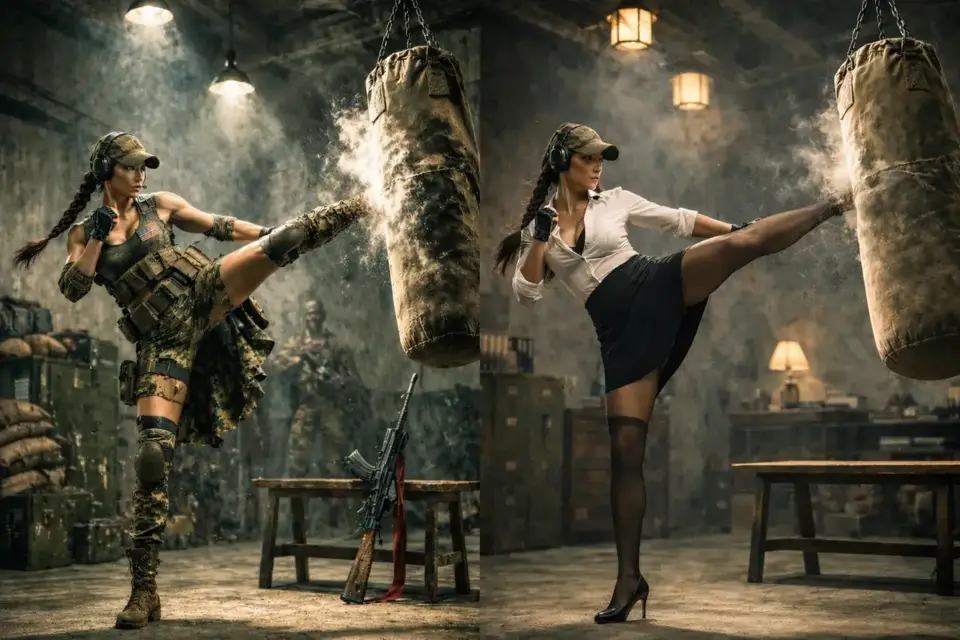
Fuse images and styles effortlessly

Fuse images and styles effortlessly

Blend multiple references or apply a new mood in one pass. AI Image 2 can turn daylight scenes into noir or merge portraits with landscapes while keeping the composition coherent and the fine detail intact.

AI Image 2 workspace for practical gpt-image-2 workflows

Brief to image in one workspace

AI Image 2 is positioned here as an independent workspace for prompts, references, and image iteration. The goal is not rumor tracking; it is helping teams turn a gpt-image-2 brief into usable visual assets.

Prompt structure that survives review

Each workflow starts with subject, format, text requirements, lighting, and output use. That structure helps posters, ads, UI frames, and infographics stay easier to review and reuse.

Designed for text and layout checks

Use the workspace when letters, labels, packaging copy, or layout hierarchy matter. Review every generated asset before publishing, especially when a prompt asks for readable in-image text.

AI Image 2 workflows vs generic image tools

High-intent templates first

Poster, product ad, text rendering, infographic, and reference-edit templates route directly into the workspace with a ready prompt. This reduces blank-page friction for commercial image tasks.

Review cycles and asset routing

Use previews for direction, then reserve final exports for assets that pass typography, composition, and brand checks. The workflow is optimized for practical review, not only inspiration boards.

When to standardize on the workspace

If prompts, billing, and exports already live here, standardizing on AI Image 2 lowers handoffs. Teams get a consistent path from prompt examples to generated assets.

Team playbooks for AI Image 2 workflows

Brief templates teams can reuse

Document subject, audience, aspect ratio, text requirements, camera, lighting, and negative space. Reusable AI Image 2 prompt structures make review and handoff more predictable.

Asset packaging after generation

Keep final prompts, selected outputs, aspect ratios, and usage notes together. This makes future gpt-image-2 prompt updates easier to audit and repeat.

Collaboration rituals

Pair writers and designers around the same prompt. Pin approved references, mark rejected wording, and keep one workspace thread per campaign or use case.

Search terms mapped to AI Image 2 workflows

GPT Image 2 prompt and gpt-image-2 prompts

People search both GPT Image 2 prompt and gpt-image-2 prompts. The site keeps AI Image 2 as the independent workspace brand while covering those natural workflow queries.

Long-tail use cases belong here

Queries such as poster prompts, product ad prompts, reference edits, and infographic prompts should resolve to practical workflow guidance and a ready workspace handoff.

Editorial checks before publishing

Zoom to 100 percent, read every glyph, compare colors against brand swatches, and confirm rights for references. Iteration is cheaper than publishing a flawed image.

Provider API and workspace handoff disclosure

Workflow-ready

No official API resale claim

AI Image 2 is an independent workspace. If you use provider APIs outside this site, follow the provider documentation, account permissions, pricing, and safety requirements directly.

Prompts can move between channels

Copy prompt structures from this site into your own approved tools, or start from a template and continue in the workspace. Keep model IDs, rate limits, and policy checks aligned with the provider you use.

Pricing and credits are transparent

Workspace usage follows this site’s visible credits and plan rules. External provider API costs are separate and should be verified in the relevant billing console before production use.

AI Image 2 workspace FAQ

What is AI Image 2?

AI Image 2 is the independent workspace brand used here for image generation workflows, prompt examples, templates, and exports.

How does this relate to gpt-image-2 workflows?

The site helps users write and reuse gpt-image-2 workflow prompts while keeping AI Image 2 as the independent service identity.

Is this an official OpenAI service?

No. This site is independent and is not affiliated with, endorsed by, or sponsored by OpenAI. Model and company names are descriptive references.

Why include GPT Image 2 prompt language?

Users naturally search for GPT Image 2 prompt and gpt-image-2 prompts. We include those terms to connect search intent with usable prompt workflows.

Can I use AI Image 2 for typography?

Yes, the workflow supports text rendering prompts, but always proof every letter before publishing or printing.

What should a strong prompt include?

Include subject, format, audience, copy text, lighting, camera, composition, restrictions, and final use. Templates on the hero are starting points.

Does reference editing preserve identity?

Reference prompts are designed to preserve the subject anchor, but users must inspect outputs and respect rights, privacy, and consent rules.

How do templates work?

Clicking a template sends its prompt directly to the workspace with the AI Image 2 model lane selected.

Can I use these prompts with an external API?

Yes, copy the prompt structure into approved tools, then follow the provider’s API documentation, policies, rate limits, and billing rules.

How do credits work?

Workspace credits follow this site’s visible plan and billing rules. External provider costs are separate.

Can I export assets for ads?

Yes, but review brand rules, text accuracy, reference rights, privacy obligations, and downstream platform policies first.

What is the fastest way to start?

Pick a hero template such as poster, product ad, text rendering, infographic, or reference edit, then refine the prompt in the workspace.

Start an AI Image 2 workflow

Choose a template or bring your own brief, then continue in the independent AI Image 2 workspace with reusable gpt-image-2 prompt structure.