GPT Image 2.5 AI Image Generator
Create product photos, posters, and illustrations from a few words. Have an image already? Give it a new background, style, or look.
The creative possibilities
One idea. So many directions.
Inspiration from our image gallery, not examples of GPT Image 2.5 output.
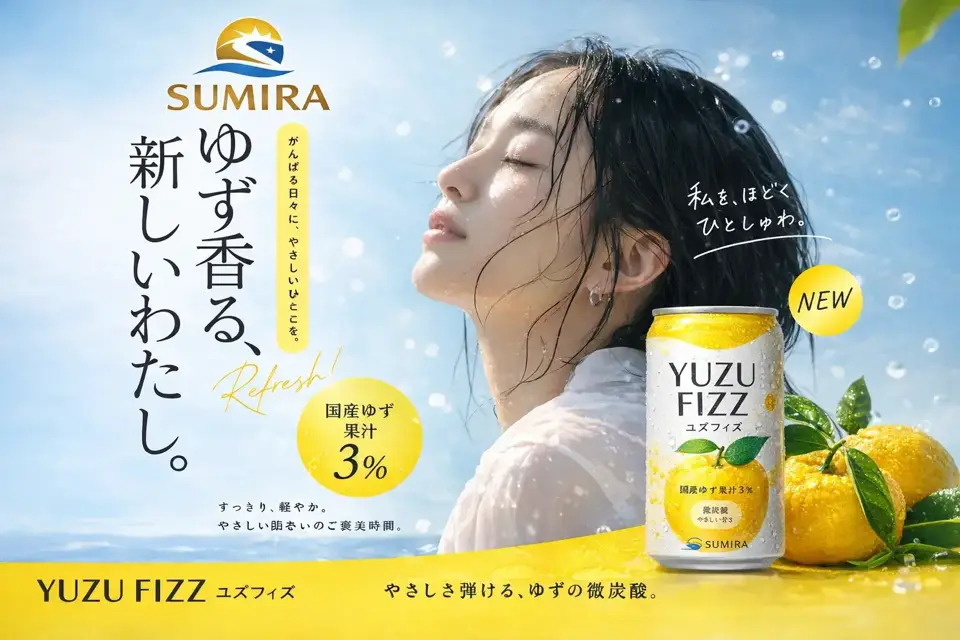
Campaigns with character
Picture your product in a sunlit studio, a summer scene, or a bold ad. Explore different backgrounds and lighting before choosing your favorite.
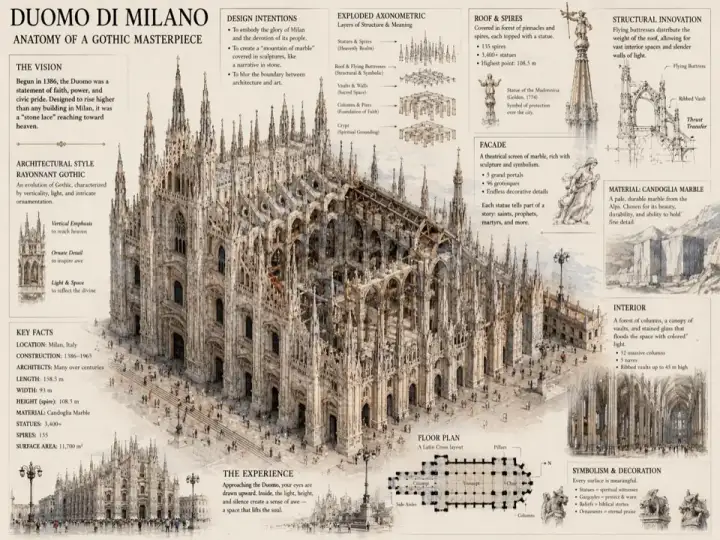
Ideas, beautifully explained
Turn a building, a place, or an idea into a detailed illustration. Create visuals for articles, presentations, and personal projects.
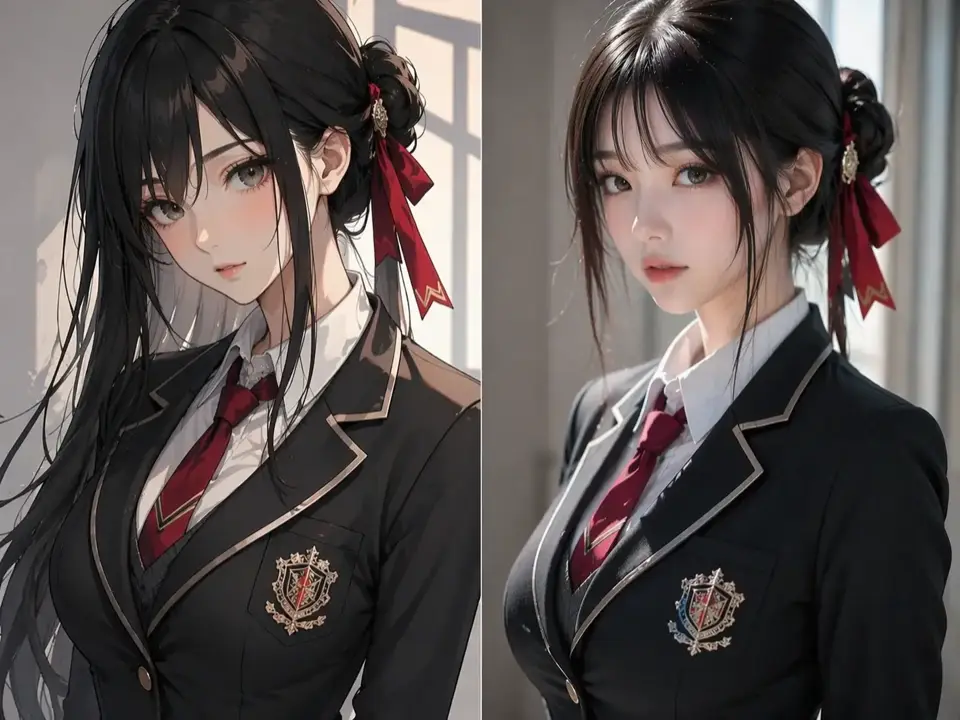
A different point of view
Dream up a character, explore an illustrated look, or try a photographic style. A reference image helps guide the appearance.
Features
Your ideas, in pictures.
Create a new image from words, or give a photo you already have a fresh look.
Turn words into pictures
Describe what you imagine and see it take shape. Create original images without starting with a photo.
Give a photo a new look
Upload an image and describe the change. Try a different background, warmer lighting, or a new artistic style.
Find the right fit
Choose a square, portrait, or landscape format for your post, poster, or presentation. Download the result you want to keep.
What is GPT Image 2.5 on this site?
GPT Image 2.5 is a name used on this site. It currently uses the same image generation service as our GPT Image 2.0 option, so it does not represent a separate model upgrade.
Can I generate images and edit an existing image?
Yes. Upload it in the image editor and describe what you want to change, such as the background, colors, or style.
How much does image generation cost?
Image generation uses credits. The generator shows the estimated cost before you submit. Visit Pricing for available packages.
Can I use the images for a commercial project?
Commercial use is subject to our service terms. Make sure you have permission to use any uploaded photos, logos, or likenesses.